Array UX Design
Project Background
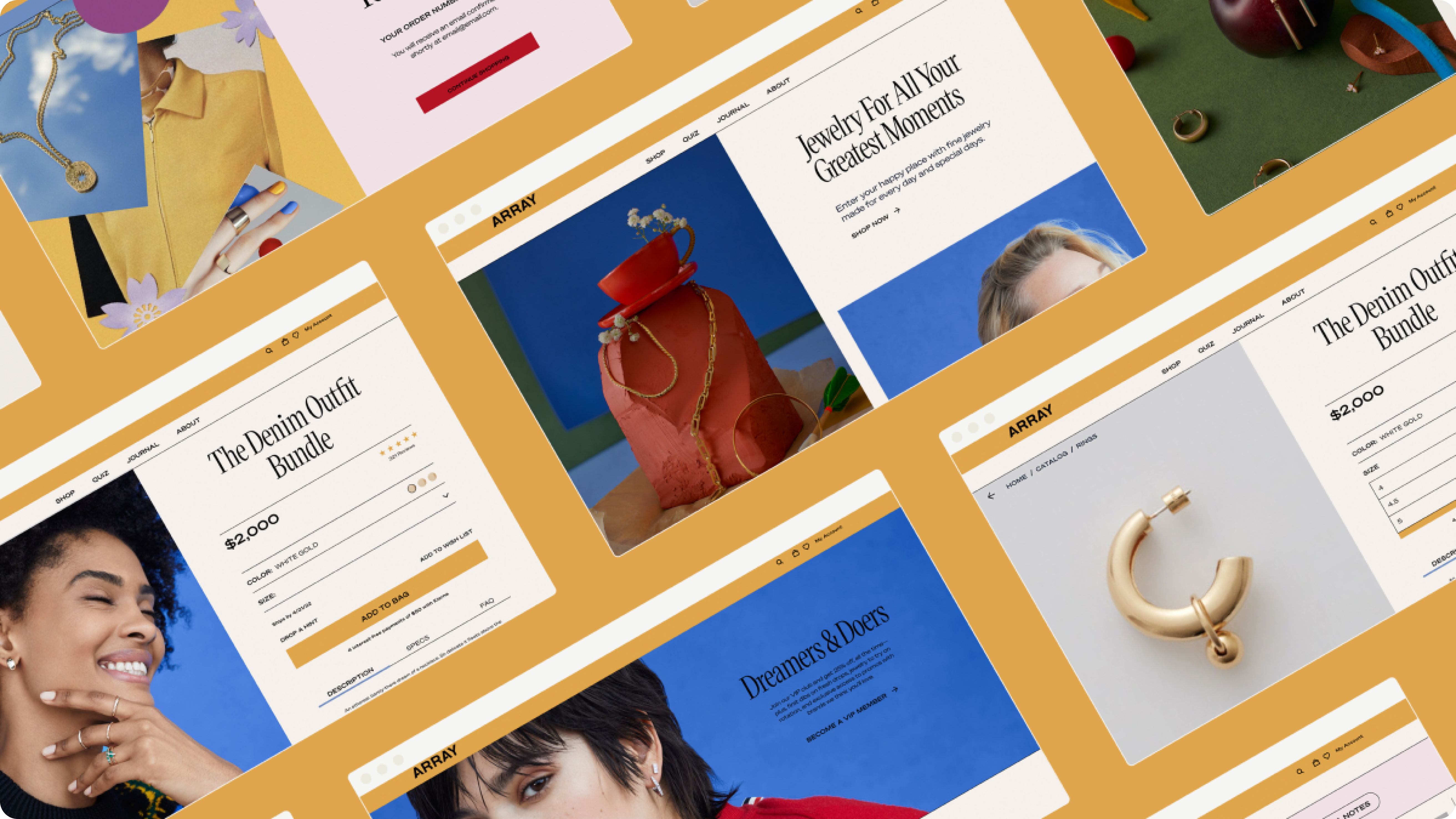
Array, a tech-enabled luxury jewelry brand, set out to transform how fine jewelry is shopped online by offering a virtual try-on experience and personalized shopping tools. Reinventing its brand identity, Array needed an innovative online platform with a user-centric design to support this vision. The key challenge was creating a seamless and engaging experience that combined advanced technology with the elegance and exclusivity of luxury jewelry in a highly competitive market.
Key Performance Indicator of my project
This is the impact of the project, shown in real numbers.
Engagement Rate Growth
Particularly, the product quiz
Subscription Box Sign-Ups Growth
Boosted by enhanced UX and personalization.
Conversion Rate Improvment
Driven by personalization and checkout optimization.
Research and Ideation
The research and ideation phase for this project began with an in-depth analysis of the client brief and a competitive benchmark. I established a solid understanding of the future product based on existing data and decided to adopt an agile approach, prioritizing user testing and iterative improvements.
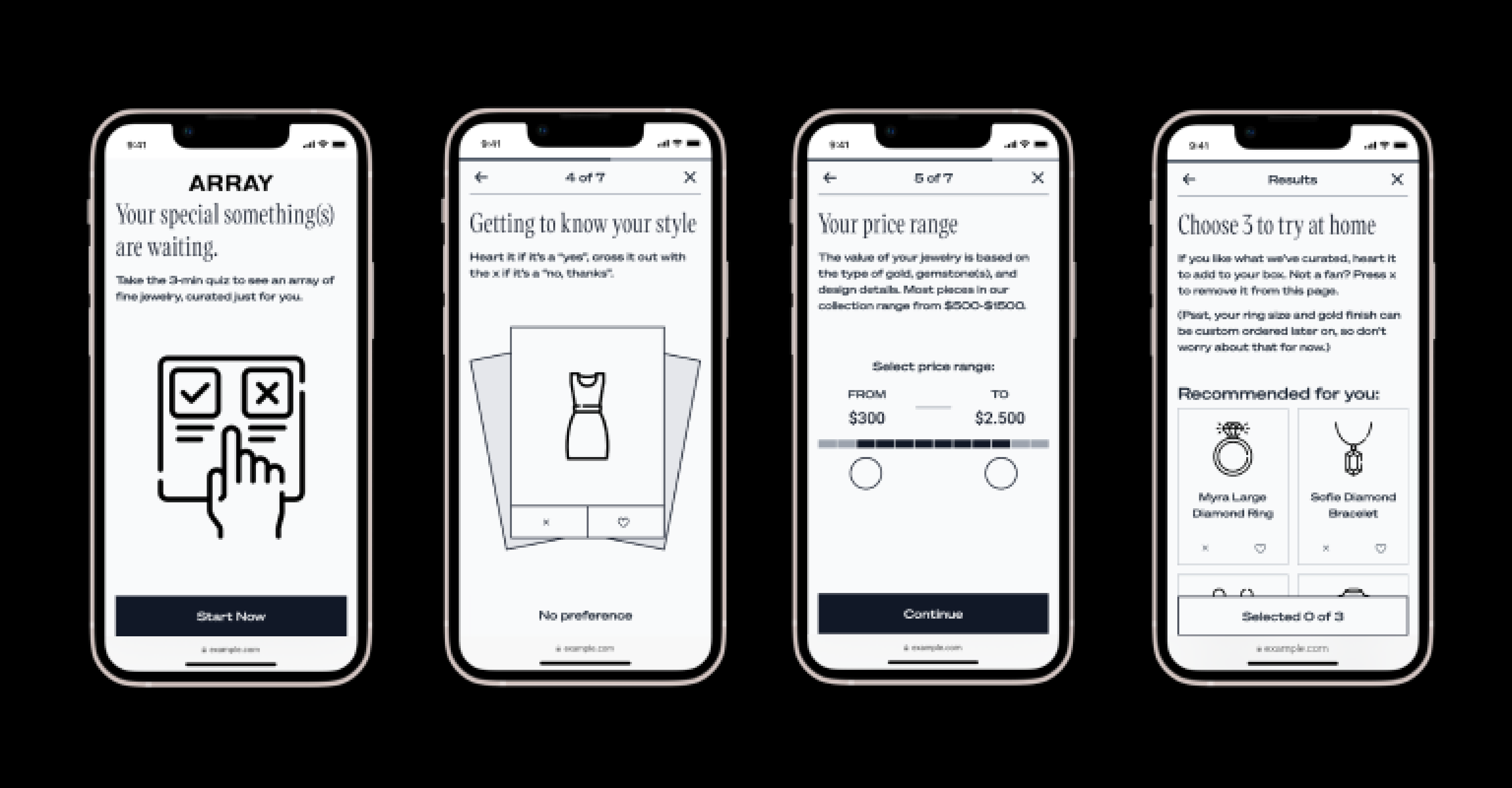
A key focus was the product quiz, which needed to be functional, intuitive, and engaging. To inform the design, I analyzed over 20 brands across various industries to identify best practices. One challenge during ideation was finding a way to understand users' style preferences. I introduced a swipe-left-right feature, similar to dating apps, to make the process both fun and familiar.

Another challenge was balancing two business models—classic e-commerce and a try-before-you-buy box. Both were essential to the brand, and it was critical to clearly represent both options on the homepage and within the quiz.
Design
During the design phase, I developed mid-fidelity mockups in Figma, working closely with the copywriter to align text with functionality. I designed several key pages and features, including the home page, eShop (category, product pages, and filters), blog, VIP members page, client portal, and product quiz.
For the product quiz, I took a mobile-first approach, collaborating with the developer to ensure all features, particularly product selection and offering, were feasible within the client's timeframe and budget. The final deliverable was an interactive prototype, ready for user testing.
For the blog, I focused on creating an editorial-style layout that matched the fashion influencer image of the brand, based on extensive research into editorial best practices.
In designing the eShop, I used SEO insights to prioritize categories with higher search volume and optimized product filters based on common user queries, improving the jewelry search experience.
For the client portal, I ensured a smooth user flow, with particular attention to subscription box features, such as model and size swaps, pause/cancel options, and personalized settings—all aligned with strategic email communications to enhance the user experience.
Product Testing
The product testing phase proved how effective agile design can be by catching critical improvements early, saving time and reducing costs. Testing the Figma prototype helped refine the homepage, product quiz, and overall flow, directly solving challenges from earlier stages.
I tested the prototype with users over Zoom. They shared their screens and completed a task: start on the homepage, take the quiz, and go to checkout. They talked through their thoughts as they worked, so I could see where they got confused or frustrated. All testing sessions were recorded, allowing for a thorough analysis afterward. I transcribed key quotes from the sessions and conducted affinity mapping by creating a Miro board. I sorted the quotes into recurring themes, which helped identify key insights and areas for improvement. This process gave me clear insights and revealed the following important areas to improve.

Clearer, Direct Copy:
Testers found some copy unclear or overly detailed. Initially, the copywriter leaned too much into the brand’s playful tone, making it fun but sometimes confusing for users. Simplifying the language helped make the message clearer. For instance, using “try before you buy” instead of vague terms improved understanding. Showing the return policy upfront also eased concerns. I recommended saving the playful tone for content pages like the blog or about page, while prioritizing clarity on conversion-related screens.
More Personal and Engaging Quiz:
In the research and ideation phase, I had a hypothesis that a short, simple quiz would work best. However, user testing showed that testers enjoyed answering more personal questions. This proved my initial assumption wrong. Adding questions about lifestyle and preferences made the quiz more engaging and increased the credibility of the results. Swiping gestures also added a fun, familiar element that enhanced the user experience.
“How accurate will the results be? You didn’t ask enough questions.”“I feel the product recommendations came too early,let me have fun!”“Ask me travel destination questions, emotional questions that make me think the results are based on my personality”.
Clarifying Shopping Options and Objection Handling:
Initially, the client referred to the “try before you buy” option as “the box” with a CTA that said "get the box." This caused confusion among testers, who didn’t understand the concept. In my first design iteration, the "box" was introduced too late—only after the quiz results, when users were offered a choice between "getting the box" or "shopping in store." Testers hesitated and felt unclear about their options. This led me to revise the design and introduce the two shopping options much earlier, using simple, direct language. By doing so, users were able to understand the concept right away, reducing confusion and improving the flow of the experience. Additionally, I moved objection handling, such as concerns about returns, closer to the checkout, where it felt more relevant and effective.
Implementation and Product Launch
After gathering insights from user testing, I created version 2 of the UX wireframes, incorporating feedback and refining the design. I worked closely with the copywriter to address key concerns regarding the messaging and ensure clarity throughout the user journey. Once the UX and copy were finalized, the design was handed off to the graphic designer, who developed high-fidelity mockups in preparation for development. Throughout this process, I collaborated closely with the development team, guiding them to ensure smooth implementation.
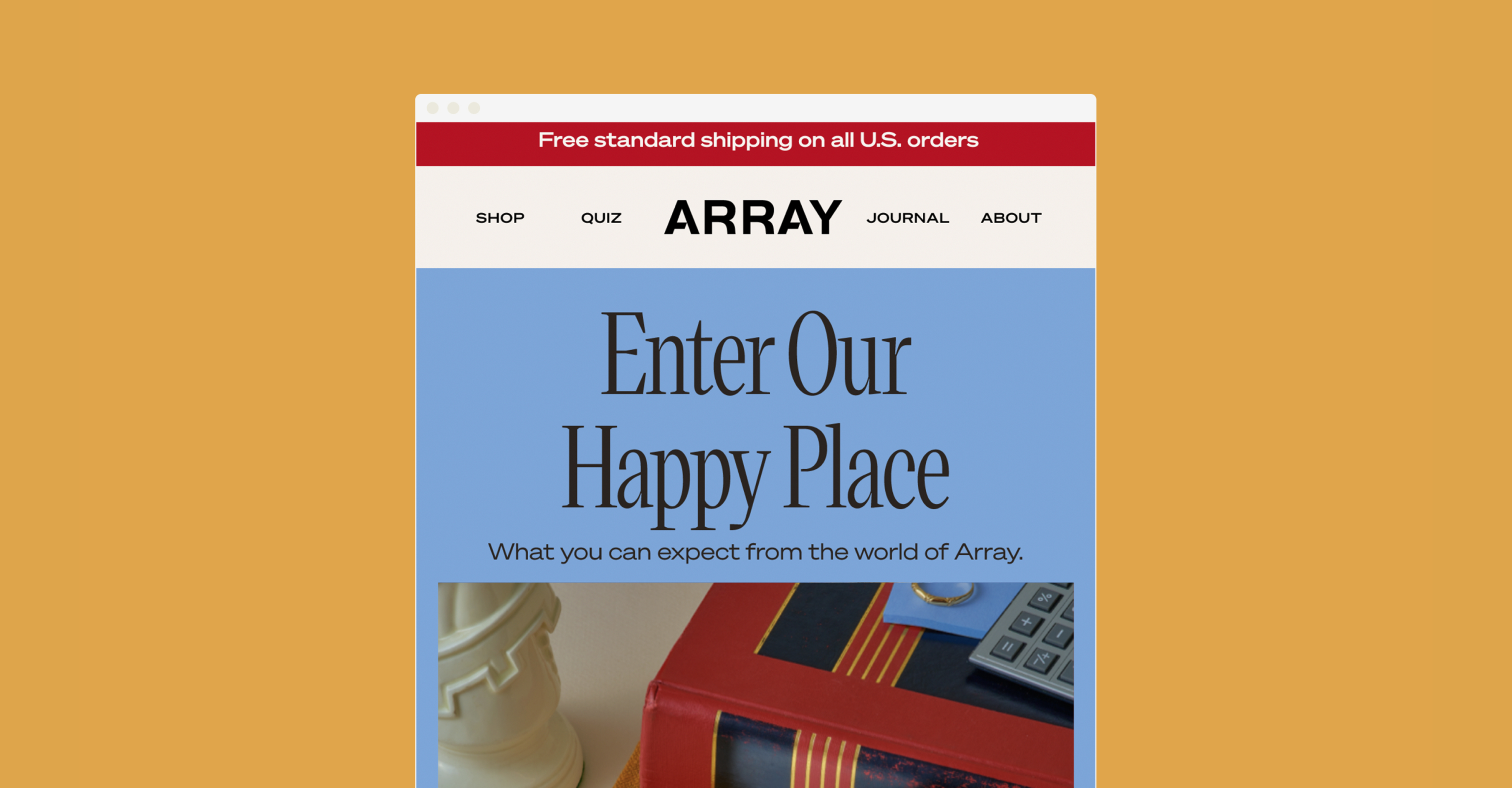
In addition to the UX design, I was responsible for creating the content and design of all email flows. Given the omnichannel approach of the project, many actions within the design triggered email automations that required careful planning and execution. The product was successfully launched, receiving positive user feedback and strong performance metrics.
"I think you did an amazing job with the site. We are almost done and I think it will look great! Thank you so much! I'd love to continue working with you. You are great."
Other Projects
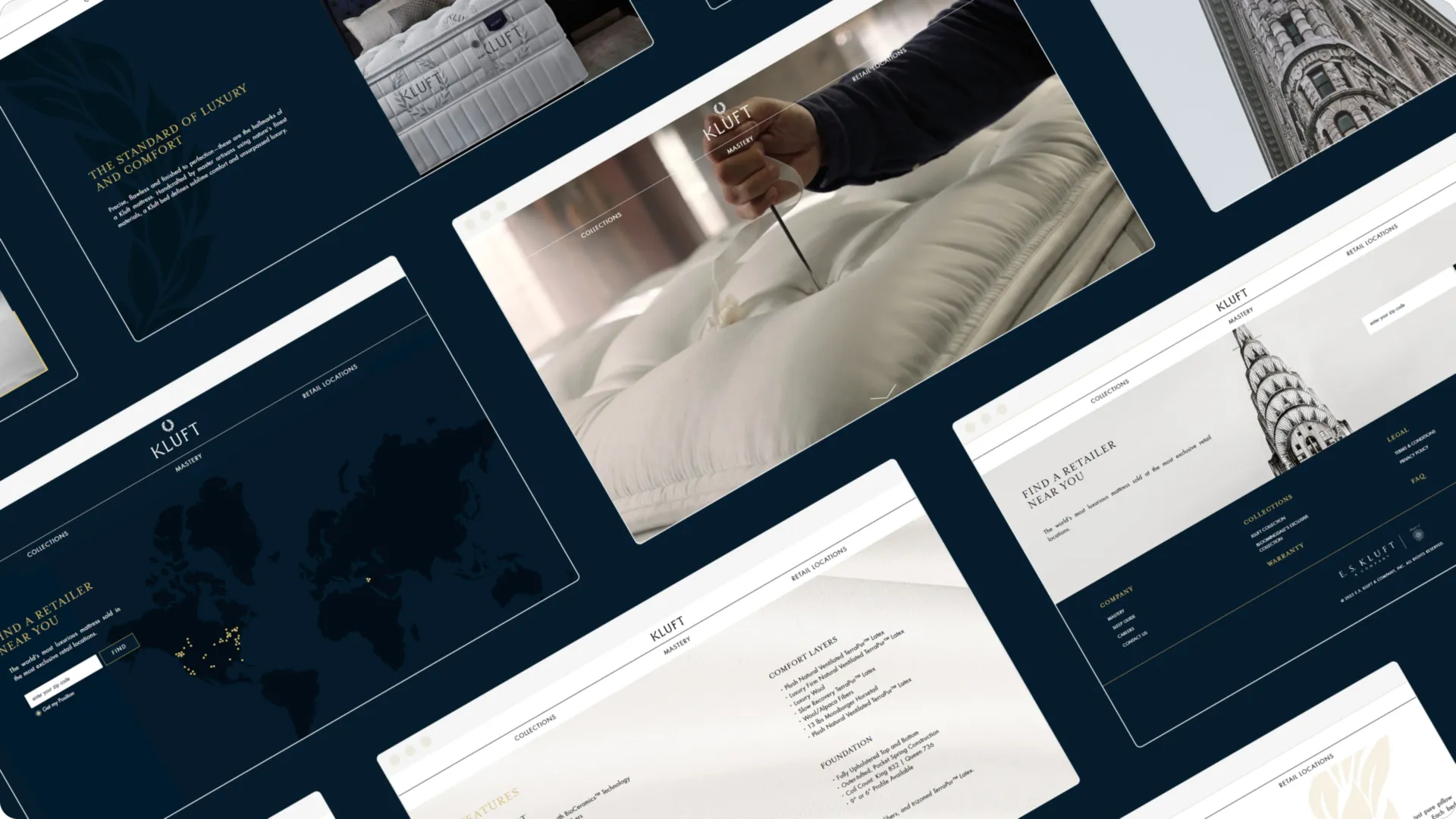
E.S. Kluft Website Redesign
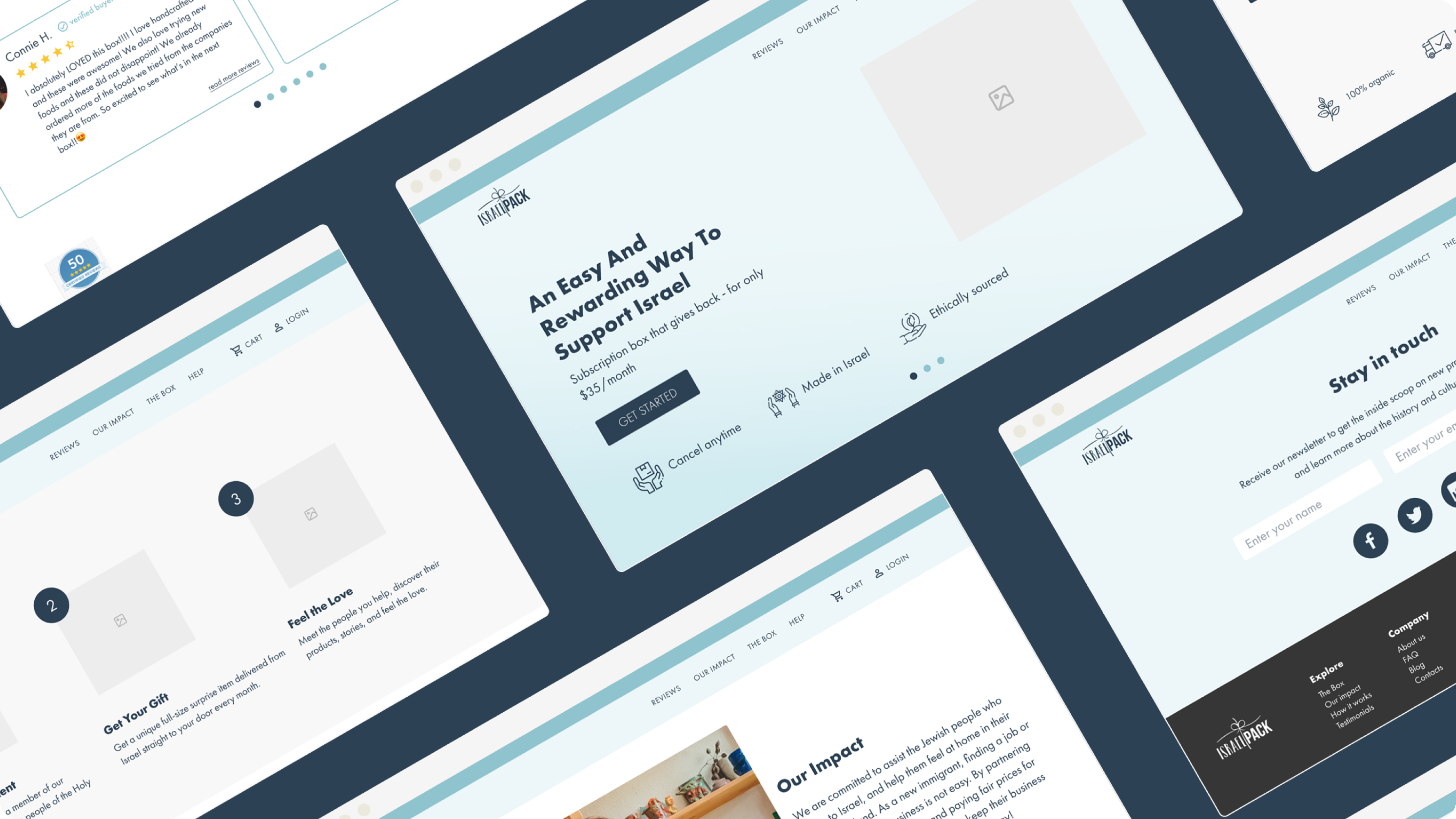
Subscription Box Product Design
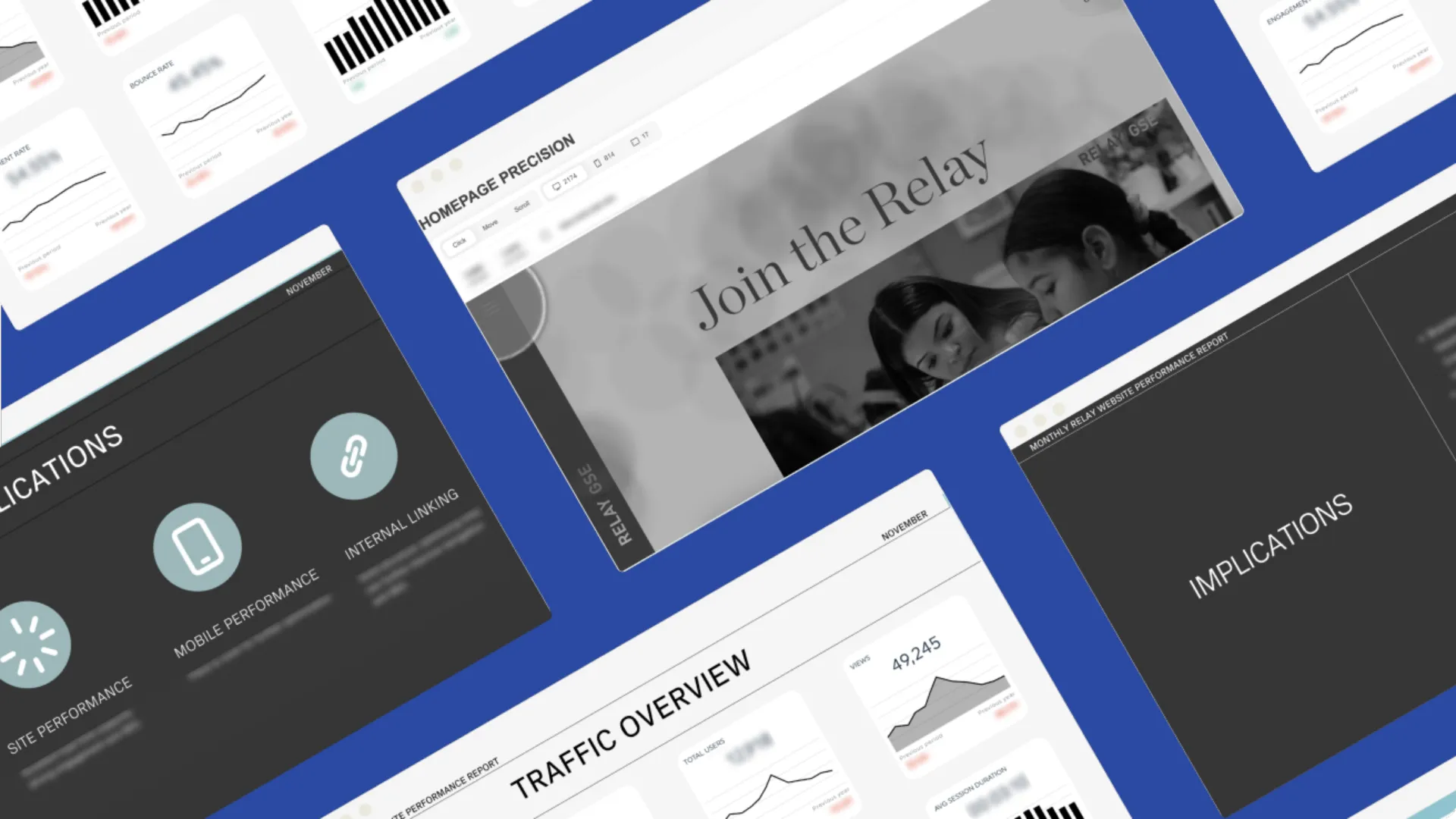
Education Website Analytics & Optimization
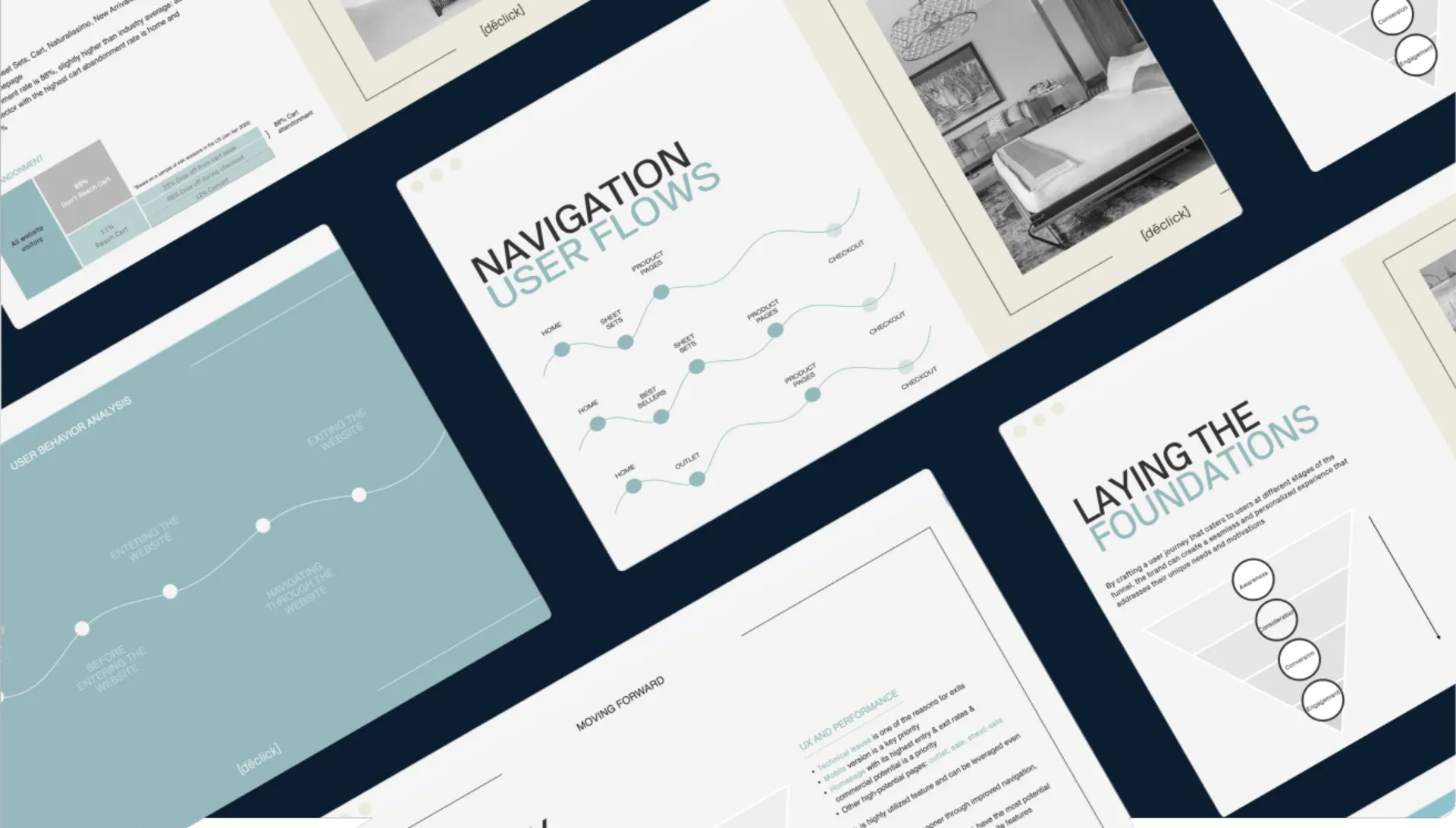
Web Analytics & UX Strategy for a luxury bedding brand
Fashion eCommerce Strategy and Product Management